
No products in the cart.
What Is CAPTCHA and How Does It Work?
March 15, 2026
Comments Off on What Is CAPTCHA and How Does It Work?
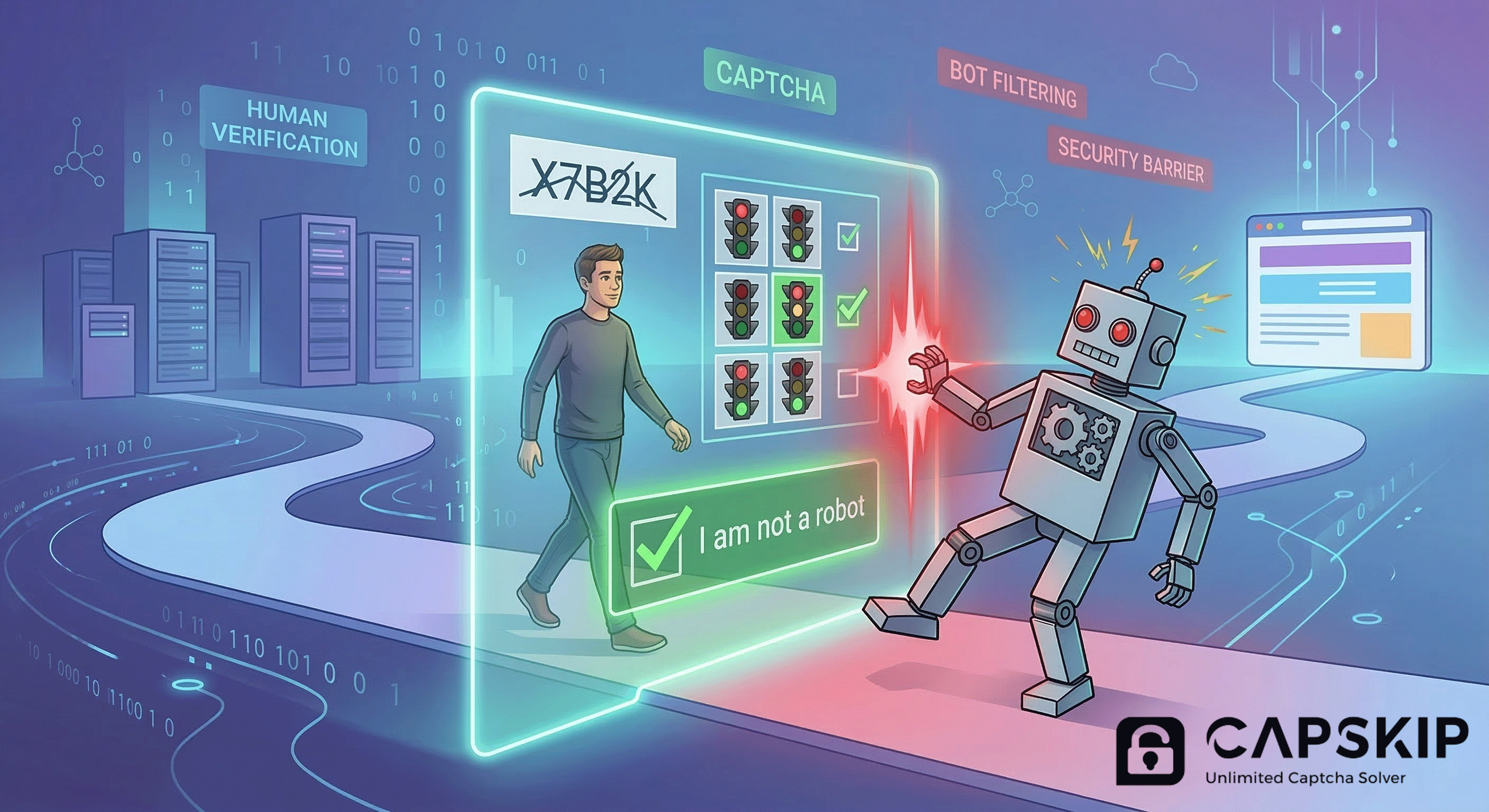
If you have ever clicked an “I’m not a robot” checkbox, typed distorted letters from an image, or selected traffic lights in a puzzle, you have used a CAPTCHA.
CAPTCHA is a security system designed to help websites distinguish between real human users and automated bots. It is widely used to reduce spam, fake signups, brute-force attacks, scraping, and other forms of abusive automated activity.
In this guide, we will cover what CAPTCHA is, how it works, the most common types of CAPTCHA, and why websites still rely on it.
What Does CAPTCHA Stand For?
CAPTCHA stands for Completely Automated Public Turing test to tell Computers and Humans Apart.
The name is long, but the idea is simple. A website presents a task that is usually easy for a human but harder for a bot to complete correctly.
The goal is not to annoy users. The goal is to prevent automated software from abusing online forms, login pages, free trials, search tools, and other web features.
What Is CAPTCHA Used For?
Websites use CAPTCHA to block unwanted automated behavior. Without protection, bots can quickly overwhelm online systems.
Common uses of CAPTCHA include:
- stopping spam form submissions
- preventing fake account creation
- reducing brute-force login attempts
- blocking automated scraping
- protecting checkout and registration pages
- limiting abuse of free tools and promotions
CAPTCHA acts as a verification checkpoint between a visitor and a website action.
How CAPTCHA Works
CAPTCHA works by testing whether a visitor behaves like a human or a bot.
Older CAPTCHA systems relied on visual puzzles. A user might see distorted text inside an image and have to type the correct characters into a field. That approach worked well for years, but as computer vision improved, websites began using more advanced systems.
Modern CAPTCHA systems often combine several signals, including:
- visible challenge responses
- mouse movement and click behavior
- browser context
- request patterns
- IP reputation
- session behavior
- device and interaction signals
Some systems still show visible puzzles. Others work silently in the background and only challenge the user when the interaction appears suspicious.
Types of CAPTCHA
There are several common CAPTCHA types in use today.
1. Text-Based CAPTCHA
This is the classic CAPTCHA format. It shows distorted letters or numbers inside an image, and the user must type them correctly.
Text-based CAPTCHAs were once very common, but many websites use them less today because modern automation systems can solve them more effectively than before.
2. Image-Selection CAPTCHA
This type asks users to identify visual objects in a grid of images, such as:
- traffic lights
- buses
- bicycles
- crosswalks
- storefronts
The user usually selects all matching tiles. This format is still widely recognized and is commonly associated with Google reCAPTCHA image challenges.
3. Checkbox CAPTCHA
This is the familiar “I’m not a robot” checkbox.
Although it looks simple, the checkbox is usually only one part of the verification process. Behind the scenes, the system may also analyze browser, device, and behavioral signals before deciding whether to allow the request or show a harder challenge.
4. Invisible CAPTCHA
Invisible CAPTCHA tries to verify users without showing a visible challenge upfront.
It often runs when a page loads, a form is submitted, or a button is clicked. If the system is confident the visitor is human, no puzzle is shown. If the interaction looks suspicious, an additional challenge may appear.
5. Score-Based CAPTCHA
Some CAPTCHA systems do not show a puzzle at all. Instead, they assign a score that estimates how likely the interaction is to be human.
The website then decides what to do next. It may allow the request, block it, or require additional verification.
This approach is often used in more advanced anti-bot systems because it reduces friction for legitimate users.
6. Cloudflare Turnstile
Cloudflare Turnstile is a modern human-verification system designed to reduce user friction while still blocking abuse.
It can appear as a lightweight widget or as part of a challenge page, and it is designed to verify visitors with minimal visible interaction.
Why Websites Use CAPTCHA
Websites use CAPTCHA because automated abuse is cheap, fast, and scalable.
A bot can submit thousands of requests in a short period of time. Without protection, even a small website can become a target for spam, scraping, fake registrations, and login attacks.
CAPTCHA helps website owners:
- protect forms and registration pages
- reduce fake traffic and fake accounts
- slow down abusive automation
- protect resources and infrastructure
- improve data quality
- reduce support and moderation overhead
For many websites, CAPTCHA is one of the simplest ways to add an extra security layer.
Why CAPTCHA Can Be Annoying
CAPTCHA serves an important purpose, but users often find it frustrating.
Common complaints include:
- repeated image challenges
- hard-to-read text
- slow or failed verification
- challenges triggered too often
- false positives on legitimate users
- accessibility problems
This creates a clear tradeoff. Stronger bot protection can improve security, but too much friction can hurt user experience, reduce conversions, and frustrate real visitors.
That is why modern verification systems are moving toward faster, less intrusive methods. Solutions like invisible verification, score-based detection, and streamlined challenge handling aim to reduce interruptions while still blocking abuse.
For businesses and developers working with CAPTCHA-based systems, tools like CapSkip CAPTCHA solver help handle supported CAPTCHA types more efficiently, reducing reliance on per-request services and making large-scale automation workflows more practical.
CAPTCHA vs Modern Bot Detection
CAPTCHA is still useful, but it is no longer the only tool websites rely on.
Modern anti-bot protection often includes:
- rate limiting
- IP reputation systems
- browser fingerprinting
- device checks
- behavioral analysis
- risk scoring
- session monitoring
In many cases, CAPTCHA is just one layer in a larger anti-abuse strategy.
This is also why two different websites may use the same CAPTCHA provider but behave very differently. The challenge shown to the user often depends on the website’s own rules, risk tolerance, and surrounding security setup.
Is CAPTCHA Still Relevant?
Yes, but it has changed.
Traditional puzzle-based CAPTCHAs are less dominant than they used to be. Websites now prefer systems that reduce friction while still detecting automated abuse.
Even so, the core purpose remains the same: verify human interaction and protect websites from bots.
So while CAPTCHA today may look different from the old distorted-text images, it is still a major part of online security.
Final Thoughts
CAPTCHA is a human-verification system used to protect websites from spam, bots, and automated abuse. It has evolved from simple text puzzles into advanced systems like Google reCAPTCHA and Cloudflare Turnstile that combine visible and invisible verification methods.
For users, CAPTCHA is the quick checkpoint they pass before completing an action online. For website owners, it is an important security tool that helps reduce abuse and protect services.
Understanding what CAPTCHA is and how it works makes it easier to see why it remains so widely used across the web.
FAQ
What is CAPTCHA in simple words?
CAPTCHA is a test websites use to check whether a visitor is human instead of a bot.
Why do websites use CAPTCHA?
Websites use CAPTCHA to reduce spam, fake signups, brute-force attacks, scraping, and other abusive automated activity.
What are the main types of CAPTCHA?
The main types include text CAPTCHA, image CAPTCHA, checkbox CAPTCHA, invisible CAPTCHA, score-based CAPTCHA, and systems like Cloudflare Turnstile.
Is CAPTCHA always visible?
No. Some CAPTCHA systems run in the background and only show a visible challenge when the request appears suspicious.
Does CAPTCHA stop all bots?
No. CAPTCHA helps reduce automated abuse, but it is usually just one part of a larger anti-bot system.